![Group (1).png]](https://help.murf.ai/hs-fs/hubfs/Group%20(1).png?height=30&name=Group%20(1).png)
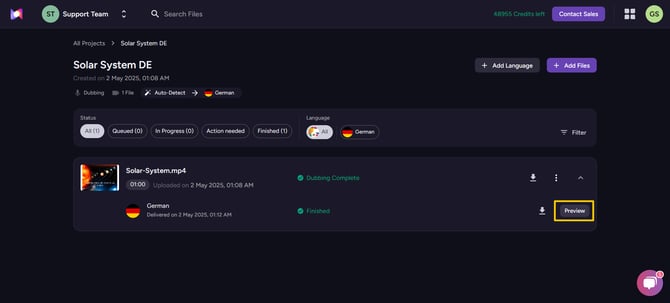
Once your AI dubbing is complete, click “Preview” to edit the generated dub. There, you will find the option to edit your dub.
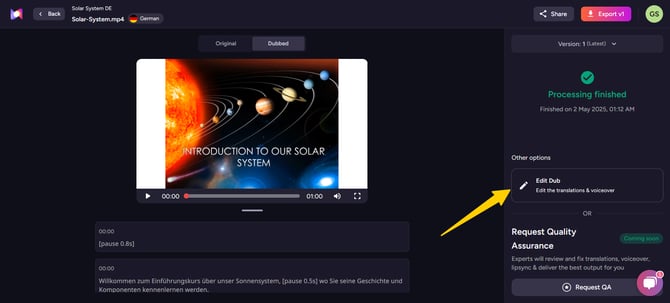
Click on the “Edit Dub” button to access the dub editor. You will see a wide range of options for editing the translation and voiceover.
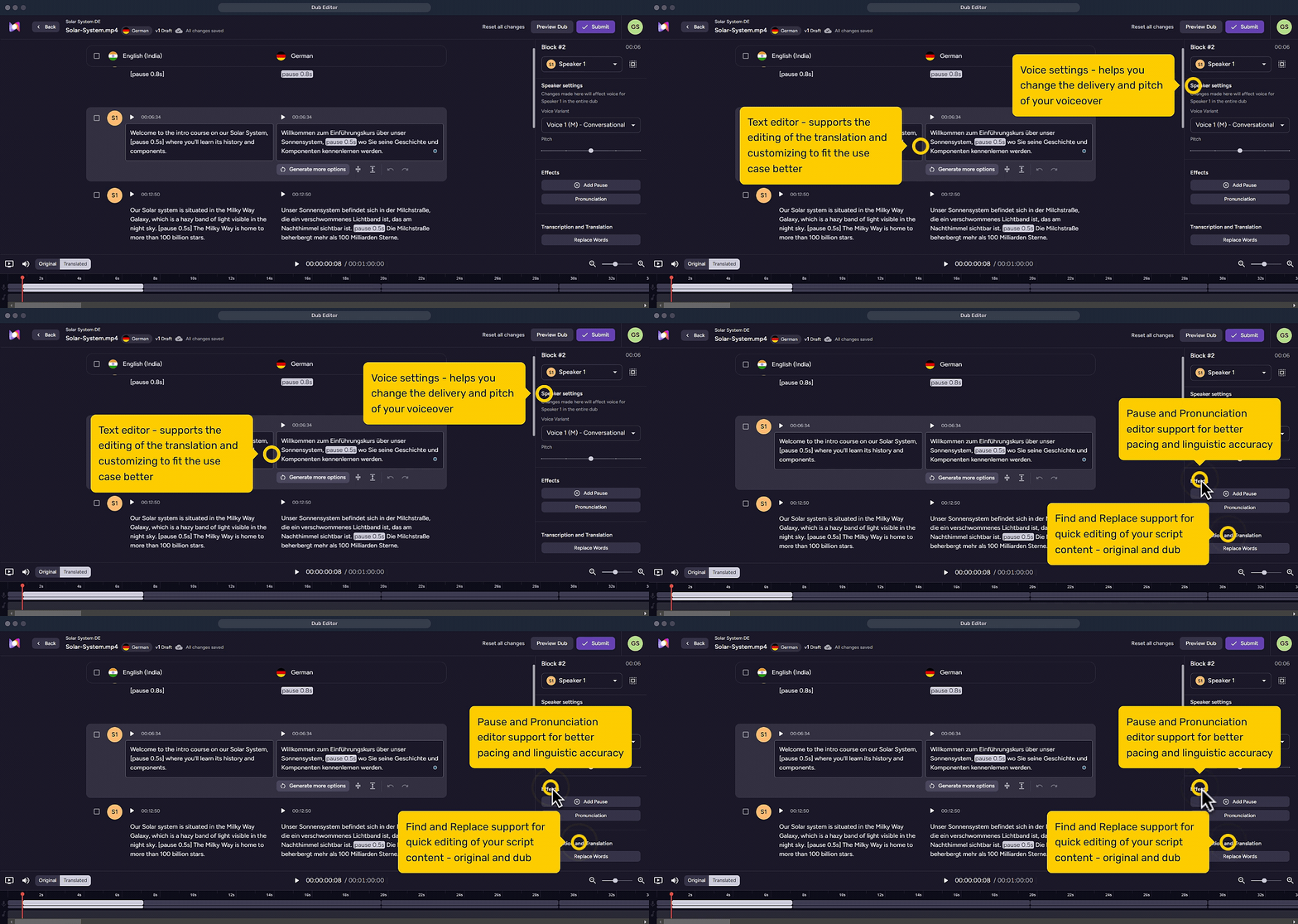
Head to the Script Editor and Translation and Transcription sections to edit the text content of your dub and transcript. Head to the Voice Settings section to edit the dubbed voiceover.