![Group (1).png]](https://help.murf.ai/hs-fs/hubfs/Group%20(1).png?height=30&name=Group%20(1).png)
Murf voices are now available in PowerPoint via our plugin, enabling you to instantly add narration to your presentations by converting your speaker notes to speech or by creating voiceovers from new text.
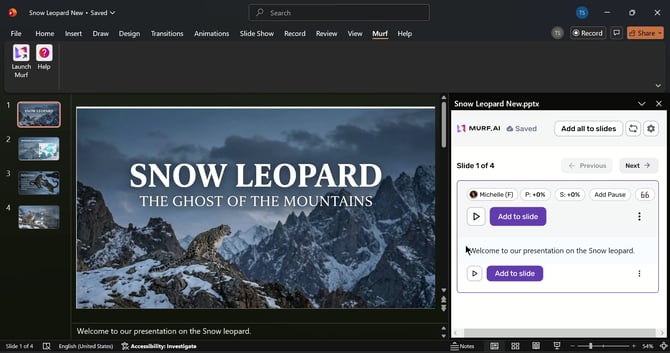
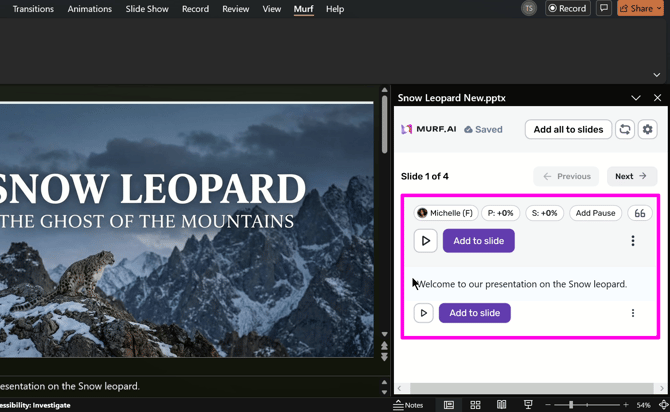
Each slide will have a corresponding text block on the plugin where the voiceover narration can be created, edited, and finally added to the slide. This streamlines your workflow and eliminates the extra step of editing your slides into a video.
To get started:
- Create a Murf account if you haven’t already, by heading to https://murf.ai.
- Download and install the PowerPoint plugin: https://murf.ai/integrations/powerpoint.
- Launch PowerPoint and log in to your account in the plugin.
- You can start creating your narration speech by adding the presenter’s notes to the plugin or by adding your script manually.
- Click on “Add to slide” to add the generated speech to your slide.