![Group (1).png]](https://help.murf.ai/hs-fs/hubfs/Group%20(1).png?height=30&name=Group%20(1).png)
Steps
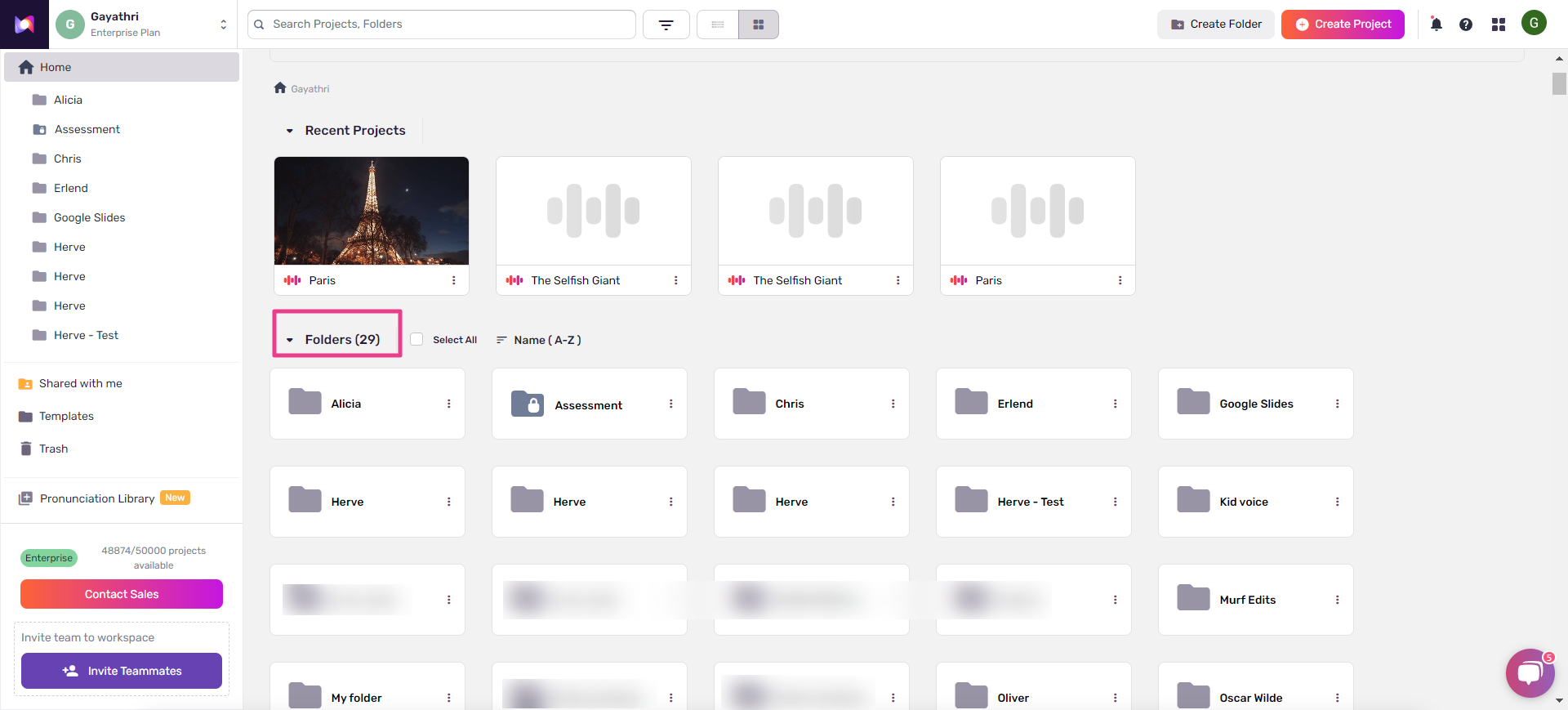
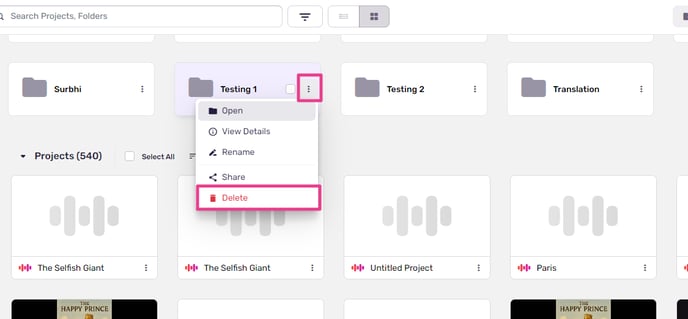
- Right-click on any folder from the list of folders available in the Home directory.
- Click on Delete from the drop-down.
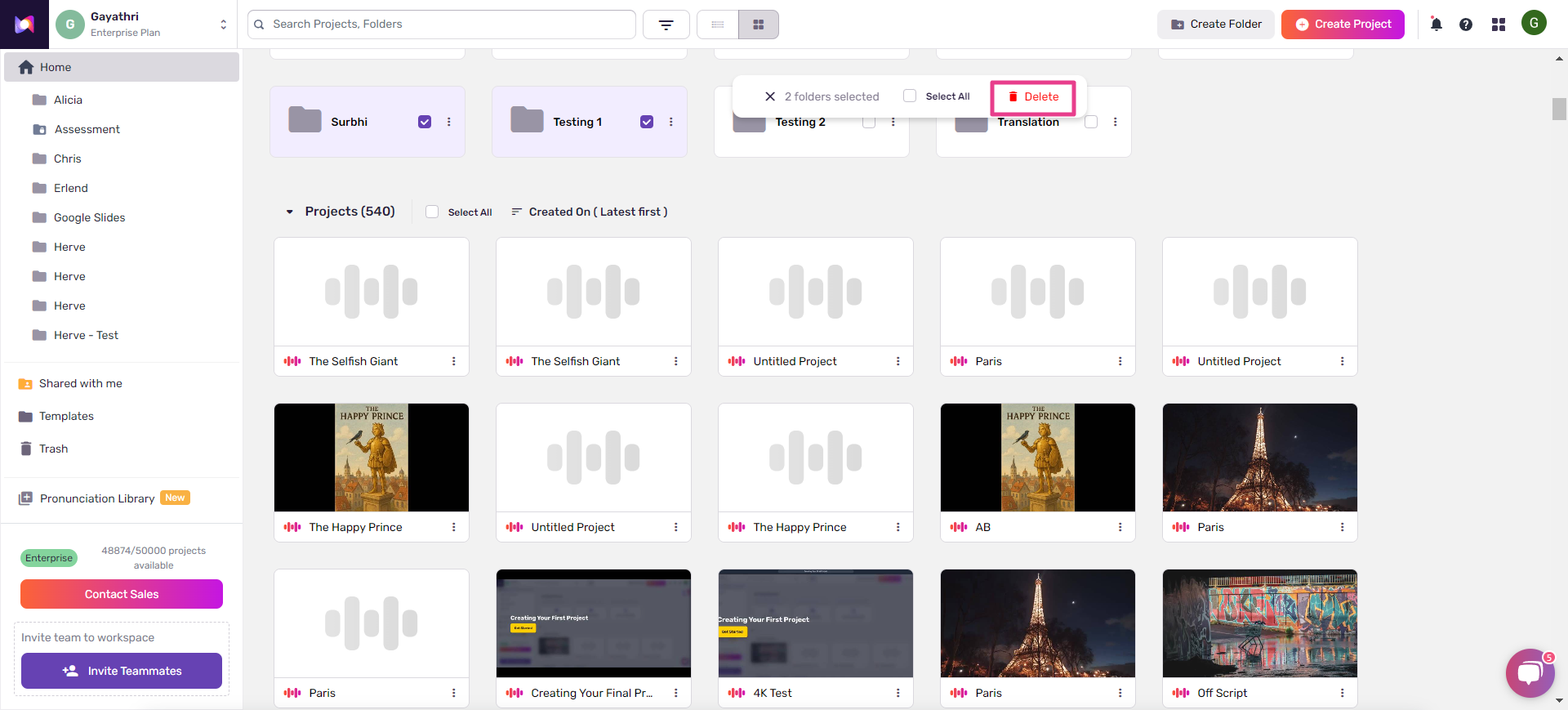
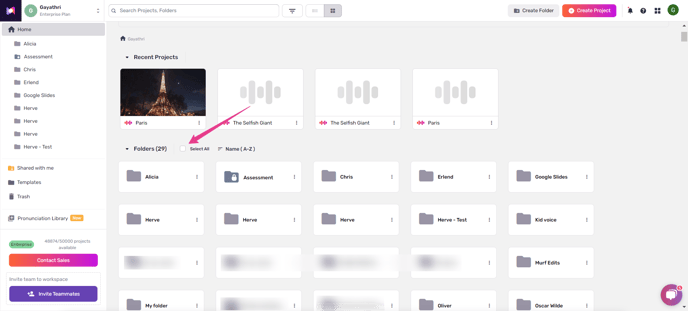
- You can delete folders in bulk by clicking on “Select All.”
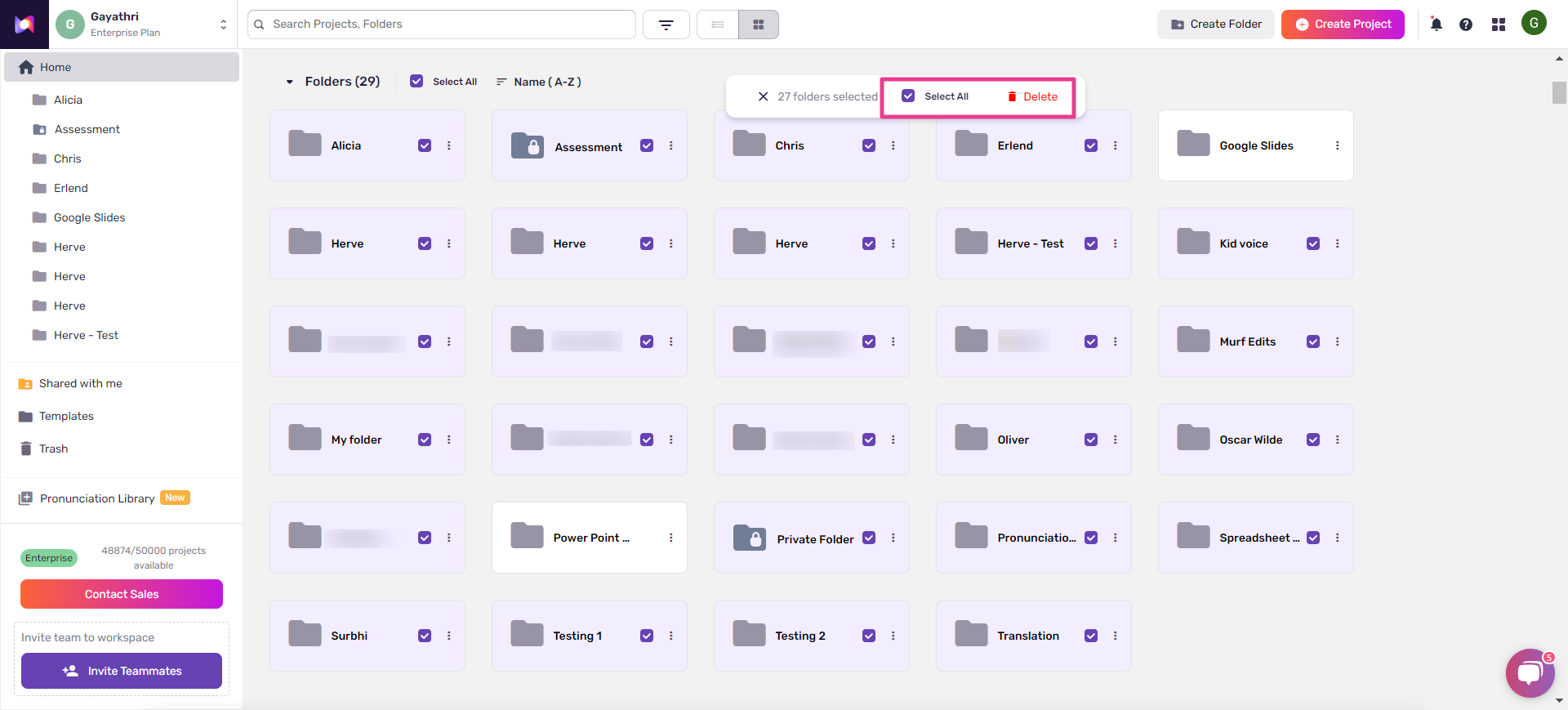
- You can also delete multiple folders of your choice by hovering over specific folders to mark them for deletion.