![Group (1).png]](https://help.murf.ai/hs-fs/hubfs/Group%20(1).png?height=30&name=Group%20(1).png)
Export Format and Quality
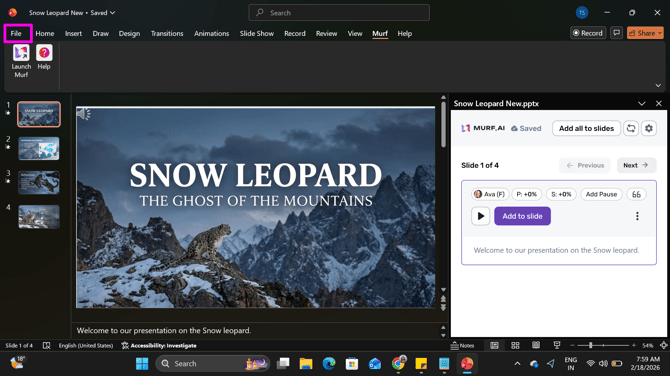
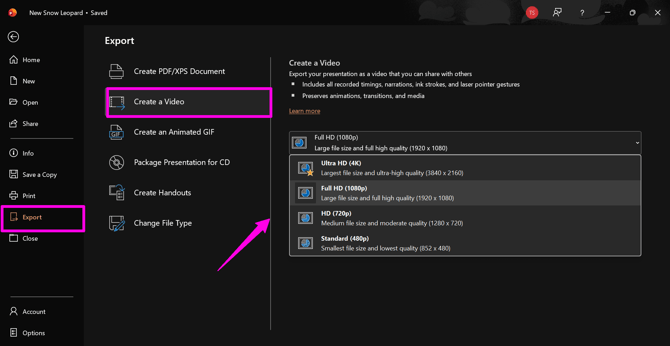
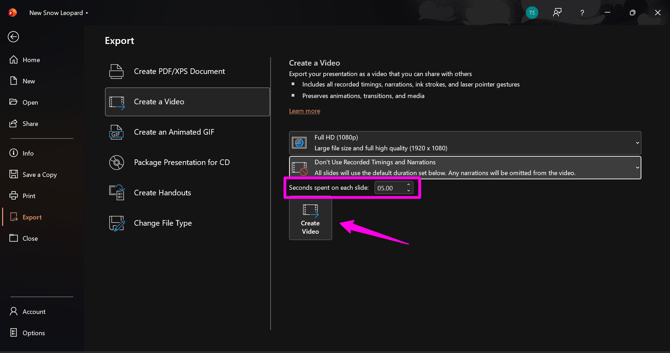
Go to File > Export > Create a Video, then choose your preferred video quality (4K, 1080p, or 720p). The exported video will be saved in MP4 format.
Narration Timing Settings
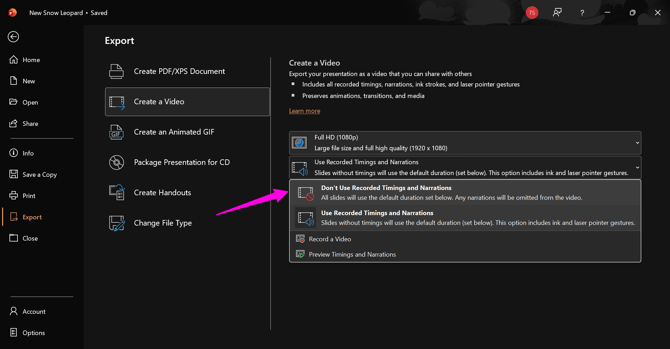
Select "Don’t Use Recorded Timings and Narrations", then set "Time spent on each slide" to 5 seconds.
This makes sure your narrations play in the correct order, and any slides without narration stay visible for 5 seconds. You can increase this duration if needed.
When you’re ready, click "Create Video" and choose the folder where you want to save the file.
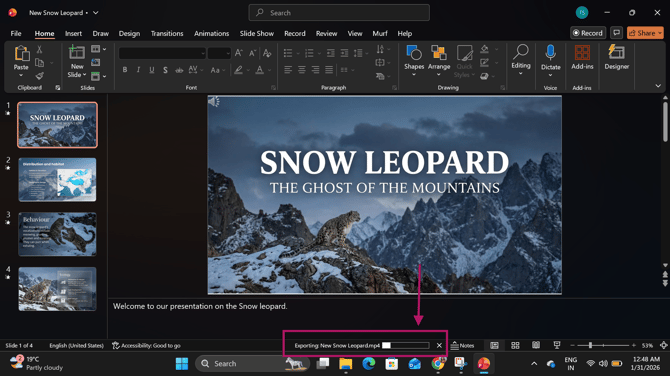
You can see the export progress in the bottom panel.